
Salesforce is your revenue engine's core. Yet, working in it all day can be slow and repetitive. Switching tabs, hunting for API names, or logging activities drains time your team could use to sell or solve customer problems. This workflow friction is a common issue the right tools can fix. A good Salesforce Chrome extension integrates into your browser. It brings CRM data and actions into your inbox, LinkedIn profile, or any webpage.
This guide reviews the top extensions practically and neutrally. We organize them by the teams that use them most: Sales, RevOps/Admin, and Prospecting. For each tool, we analyze what it does, who it's for, its limitations, and how it fits your workflow. You will find screenshots and direct links for every extension. Our goal is to help you select tools that deliver results, not just more features. This article shows you how to stop wasting clicks and start working smarter.
1. Salesforce (Sales Cloud Everywhere)
Salesforce’s own extension aims to bring your CRM into your daily workflow, mainly within Gmail. Sales Cloud Everywhere acts as a side panel. It lets reps view and update Salesforce records without leaving their inbox. This immediate context helps personalize outreach and log activities correctly. The goal is to eliminate the constant tab-switching that reduces productivity and leads to poor data.
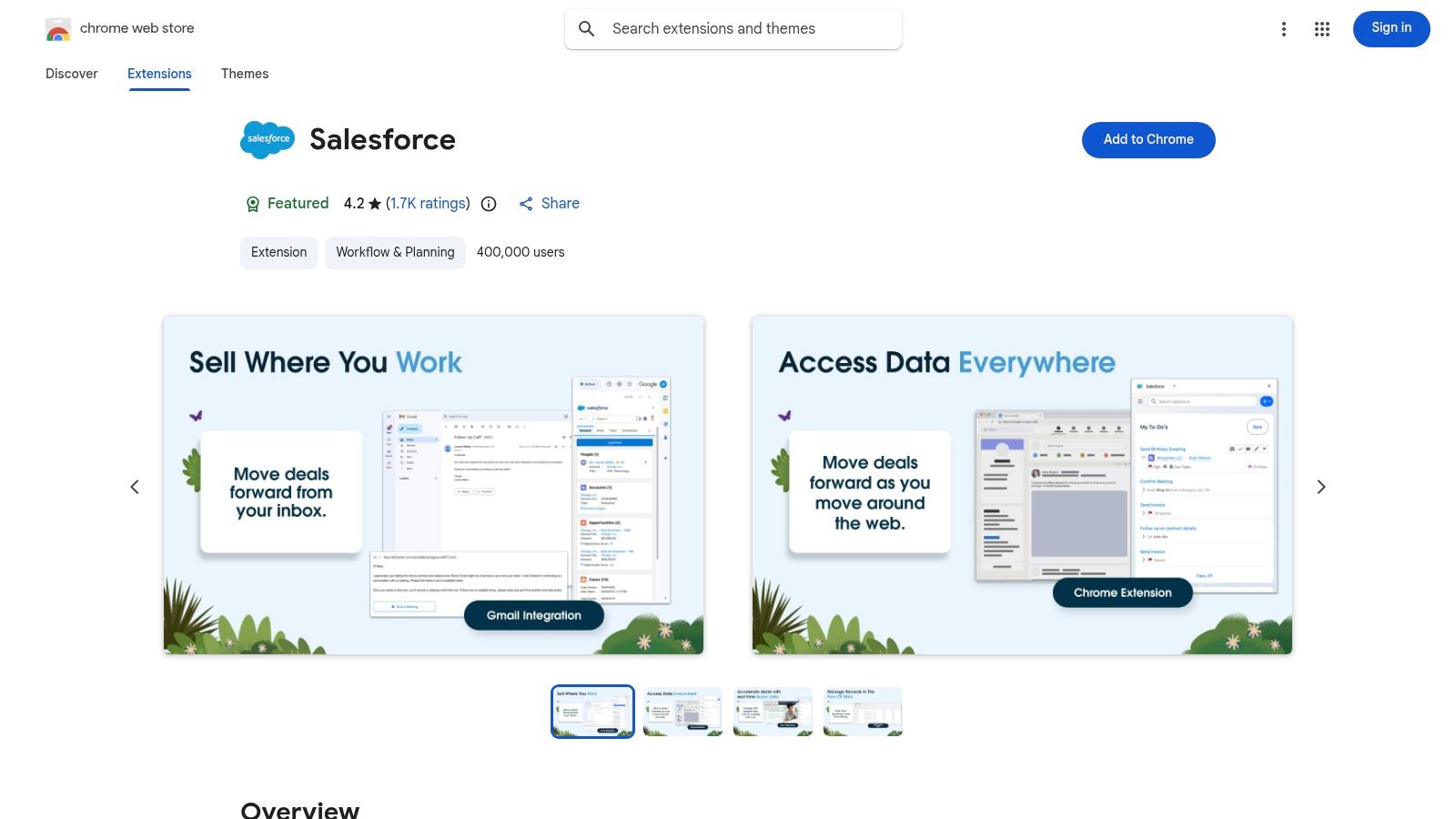
As a first-party tool, it ensures deep, native integration. There is no third-party vendor to vet for security. This is a big plus for security-conscious organizations. Beyond Gmail, the extension can float over any webpage. It can also run as a standalone window. This provides quick access to create tasks or update an opportunity after a call. This direct link between your browser and CRM helps teams improve their sales processes.
Core Features:
Gmail Sidebar: View and edit Leads, Contacts, and Opportunities in your inbox.
Create Anywhere: Create or update records and tasks from any browser tab.
Engagement Alerts: Receive real-time notifications and connect your calendar.
Pros & Cons:
Pros | Cons |
|---|---|
Native, secure integration from Salesforce | Historically unreliable; may require re-linking accounts |
Simplifies activity logging without leaving your inbox | Designed for Google Workspace, not personal Gmail accounts |
No additional vendor management for security | Requires an active Salesforce Sales or Service Cloud license |
Access: Install from the Chrome Web Store (Requires a Sales Cloud or Service Cloud licence).
2. Salesforce Inspector Reloaded
This community-driven tool is essential for admins, developers, and RevOps professionals. Salesforce Inspector Reloaded adds a metadata and data overlay to the Salesforce interface. It reduces the clicks needed for common technical tasks. You can view and edit all fields on a record, even those hidden from page layouts. This makes troubleshooting and data validation much faster. This Salesforce Chrome extension is valued for its simplicity and power.
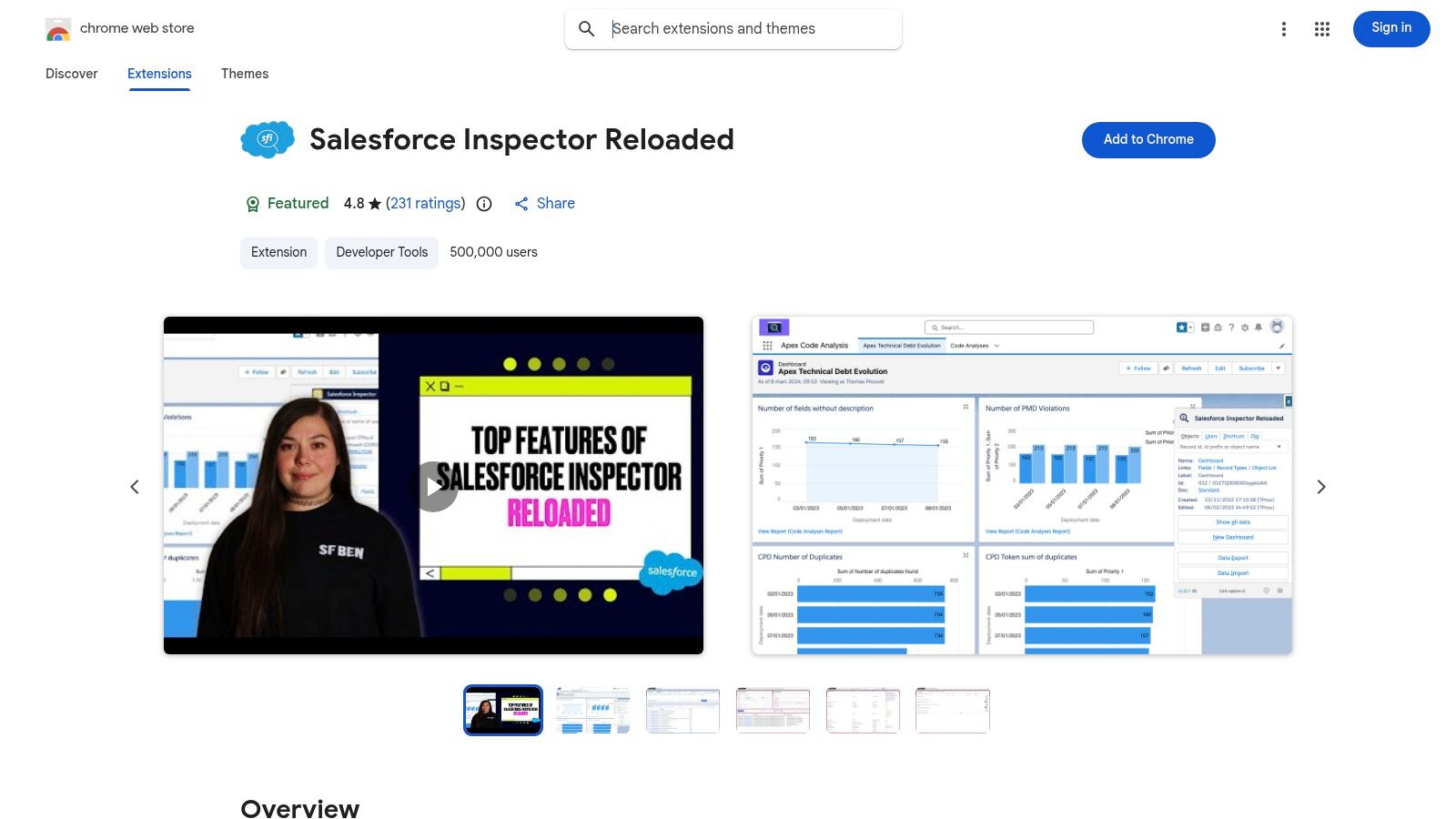
It is a successor to a classic community tool. It is maintained and updated to match Salesforce releases. Instead of navigating many setup menus, you can inspect metadata, run SOQL queries, and perform data exports or imports from any record page. The open-source project provides transparency that helps with security vetting. This is a key factor for any tool accessing CRM data.
Core Features:
Show All Fields: View and inline edit all record fields, including hidden or formula fields.
SOQL Query Runner: Write and execute SOQL queries with quick export/import (CSV/JSON).
Metadata Lookup: Quickly find and navigate to metadata definitions and setup pages.
Pros & Cons:
Pros | Cons |
|---|---|
Huge time saver for RevOps/admins | A third-party tool not officially supported by Salesforce |
Widely adopted and trusted by the Salesforce community | Powerful capabilities require governance and user permissions |
Open-source transparency aids security reviews | Can feel overwhelming for non-technical users |
Access: Install from the Chrome Web Store (Free).
3. Maven Tools for Salesforce
Maven Tools is a Salesforce Chrome extension for admins, developers, and consultants. It combines multiple development and administration utilities into one interface. This removes the need for separate apps for querying data, testing APIs, or inspecting metadata. This focus on the technical user workflow makes it an essential tool for anyone managing a Salesforce org.
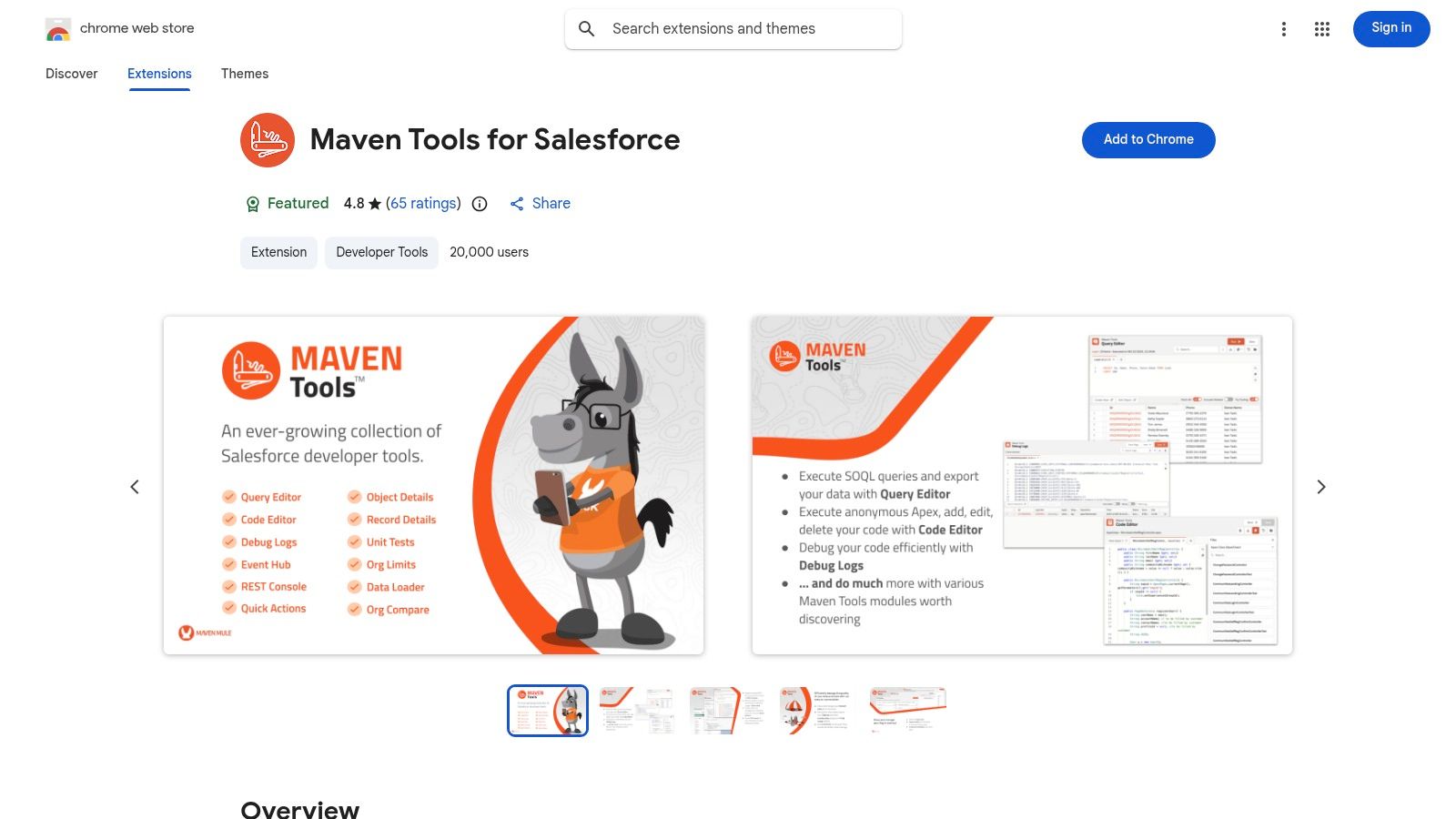
Its strength is its wide range of features and modern user interface. Instead of opening a separate SOQL editor or API client, a developer can do it all in their browser. They are directly connected to the org they are working in. For technical users, this immediate access to a REST API console and event monitoring hub speeds up debugging and development. This makes it a standout for backend productivity.
Core Features:
SOQL/SOSL Query Editor: Write, execute, and export queries with built-in history.
REST API Explorer: Make API calls and inspect responses without leaving the browser.
Event & Metadata Utilities: Monitor platform events and explore org metadata.
Pros & Cons:
Pros | Cons |
|---|---|
Broad feature set reduces the need for multiple tools | Targeted at technical users; steep learning curve for others |
Polished UI and is actively maintained with clear release notes | Requires org connection that may trigger enterprise security reviews |
Consolidates admin/developer tasks into a single browser extension | Not intended for sales or service end-user workflows |
Access: Install from the Chrome Web Store (Free, requires Salesforce login).
4. Jetstream (Browser Extensions)
Jetstream offers a strong solution for admins and RevOps pros who need data and metadata tools in their browser. This Salesforce Chrome extension bundles a query builder, data loader, and metadata inspector into one interface. Its key feature is a privacy-first design. All communication happens between your browser and the Salesforce API. Your org’s data never passes through third-party servers. This is a major benefit for organizations with strict data security policies.
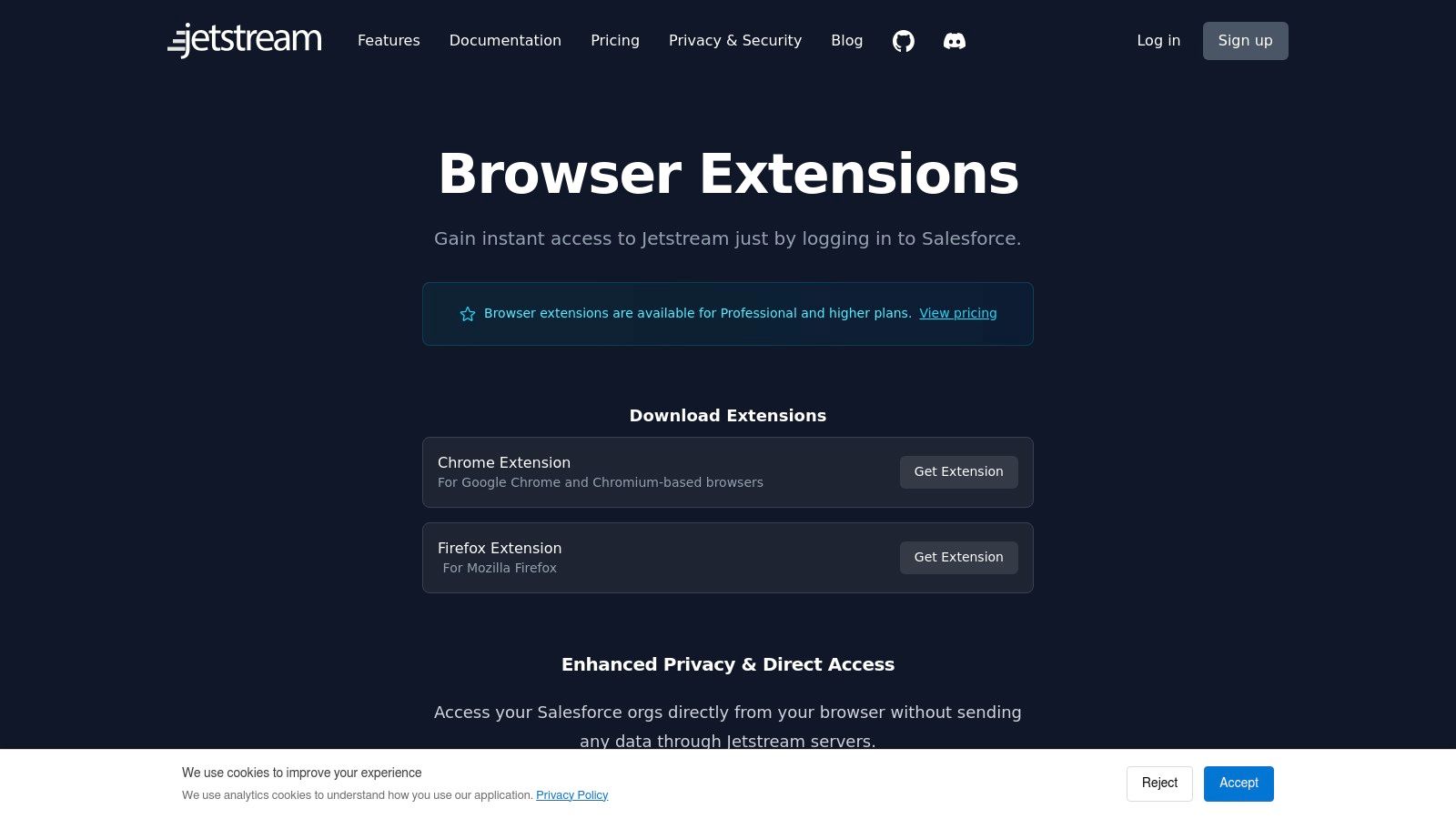
Jetstream’s extension is an independent utility, not an overlay for a specific app like Gmail. It provides access to multiple orgs. Technical users can quickly run SOQL queries or perform data uploads without a separate desktop app. This direct, in-browser access makes it a go-to tool for quick troubleshooting, data validation, and configuration checks. It boosts productivity for backend Salesforce management tasks.
Core Features:
Direct API Connection: A privacy-focused model where data is not relayed through vendor servers.
Admin Toolset: Includes a query builder, data loader, and metadata inspection tools.
Multi-Org Support: Easily switch between different Salesforce orgs directly within the extension.
Pros & Cons:
Pros | Cons |
|---|---|
Strong privacy posture with direct browser-to-Salesforce API | Key features require a paid Jetstream Professional plan |
Combines query, data, and metadata tools in one extension | More limited functionality than the full desktop application |
Works independently for quick access to any org | Primarily built for technical users (Admins, Devs, RevOps) |
Access: Install from the Chrome Web Store (Requires a Jetstream Professional plan for most features).
5. ORGanizer for Salesforce
ORGanizer is a Salesforce Chrome extension for admins, developers, and consultants who manage multiple Salesforce orgs. Its main purpose is to prevent a common mistake: performing an action in a production org when you meant to be in a sandbox. It lets users color-code browser tabs and change page titles based on the logged-in org.
ORGanizer is essential for technical users because it focuses on admin productivity. It securely stores encrypted login credentials. This allows quick switching between different user accounts and orgs without constant re-authentication. It also includes quick links to common setup pages and a console for running queries. This saves countless clicks. This tool is a command center for anyone who works in the Salesforce setup menu.
Core Features:
Org Colour-Coding: Differentiate production, sandbox, and scratch org tabs with unique colours.
Encrypted Credential Storage: Securely save and manage logins for multiple orgs.
Quick Links & Console: Access common setup pages or run queries directly from the extension.
Pros & Cons:
Pros | Cons |
|---|---|
Significant productivity gain for multi-org admins and developers | Free version displays ads; a PRO subscription adds to costs |
Customisable to reduce context-switching errors | Broad permissions can raise flags with enterprise security teams |
Simplifies tab management and quick access to tools | Primarily for technical roles, not a sales productivity tool |
Access: Install from the Chrome Web Store (Free and PRO versions available).
6. Salesforce Navigator for Lightning
For power users who live by keyboard shortcuts, Salesforce Navigator for Lightning is an essential tool. It adds a command-palette interface to your Salesforce instance. This lets you jump to any page, create records, or run searches without your mouse. This Salesforce chrome extension is about speed and efficiency. It turns multi-click navigation into a two-second command. For admins and experienced reps, this cuts down time spent moving around the platform.
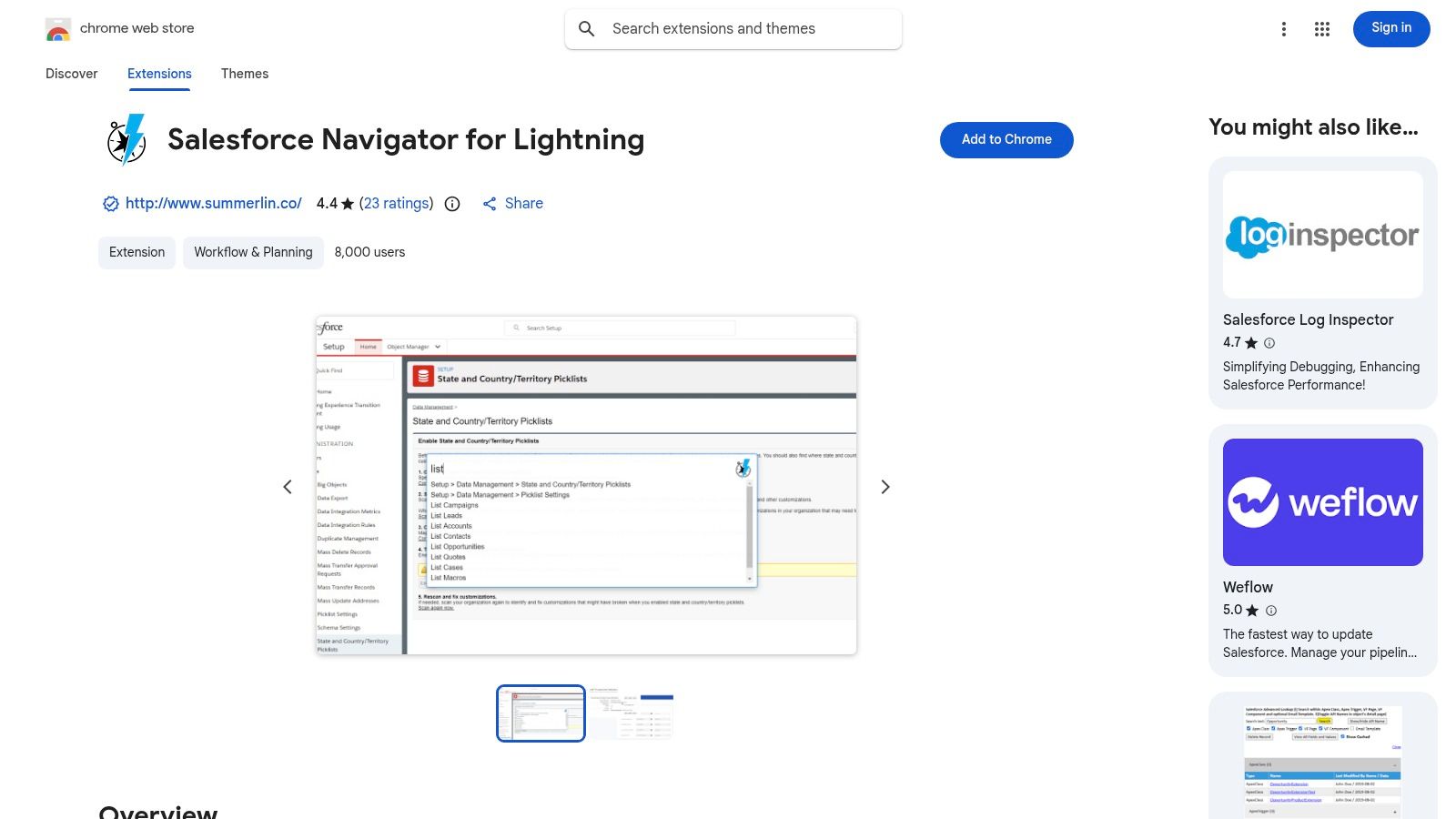
This extension prioritizes a keyboard-first workflow. This design connects with technical users. Instead of using menus, a user can type "new task" or "list accounts" to go where they need to. It even includes admin shortcuts like "login as". It requires a short time to learn the commands, but the productivity gains for daily, repetitive actions are large. It’s a lightweight, stable, and focused tool.
Core Features:
Command Box: Use a keyboard shortcut to open a search bar for rapid navigation.
Quick Access: Instantly jump to records, list views, and object creation pages.
Admin Shortcuts: Includes commands like 'Login as' for easier user impersonation.
Pros & Cons:
Pros | Cons |
|---|---|
Dramatically speeds up navigation for daily power users | Requires learning commands to be effective |
Lightweight and stable; minimal impact on performance | Future Salesforce UI updates could temporarily break functionality |
Favoured by users who prefer keyboard-driven workflows | Focused on navigation; does not add data context like other tools |
Access: Install from the Chrome Web Store (Free).
7. Salesforce Show API Name
Finding the correct API name for a field is a constant interruption for admins, developers, and RevOps pros. Salesforce Show API Name is a lean, purpose-built Salesforce Chrome extension that solves this one problem well. It overlays the API name next to the field label on any Salesforce record page. It works in both Lightning and Classic. This removes the need to go to Object Manager, find the object, find the field, and copy its API name.
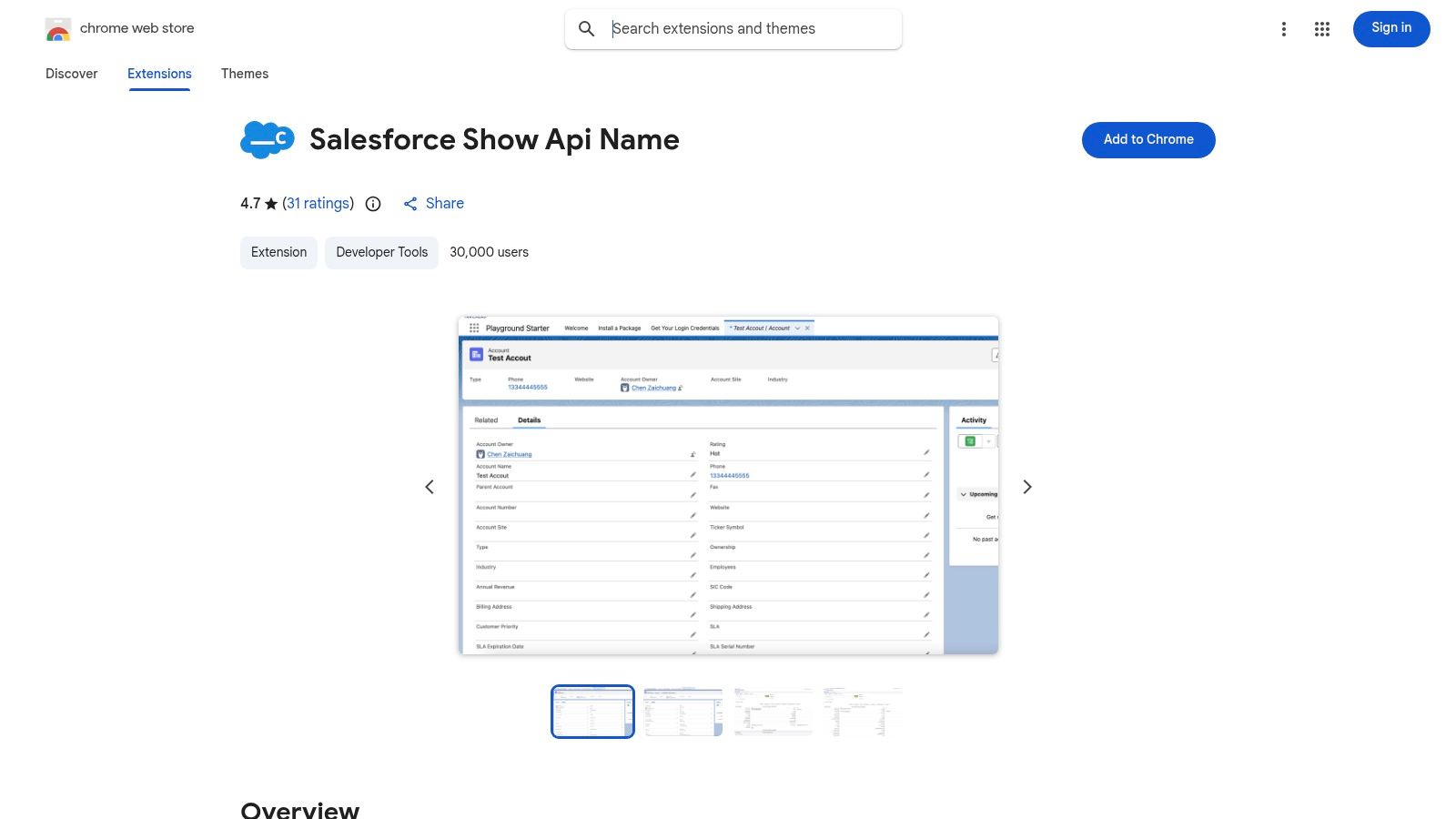
The extension is simple and focused. It does one job without clutter. Users can toggle the API names on and off with a shortcut. They can copy a single name with one click, or select multiple fields to generate a SOQL query. This is a huge time-saver for anyone building reports, configuring integrations, or writing validation rules. It is an open-source tool, offering transparency for technical teams.
Core Features:
API Name Overlay: Displays field and object API names directly on record pages.
One-Click Copy: Click to copy any API name to your clipboard.
SOQL Generation: Select multiple fields to instantly generate a SOQL query.
Pros & Cons:
Pros | Cons |
|---|---|
Saves significant time for admins, developers, and RevOps | Functionality is limited to API name display and copying |
Open-source and lightweight with a simple interface | Requires permissions to run on Salesforce domains (standard) |
Quick SOQL generation speeds up report and query building | Does not offer broader administrative or user-level utilities |
Access: Install from the Chrome Web Store (Free).
8. Salesforce Enhanced Formula Editor
The standard text box for formulas feels basic to any admin who has struggled with a complex formula. The Salesforce Enhanced Formula Editor is a paid Salesforce Chrome extension that fixes this. It replaces the native editor with a proper coding environment. It adds modern tools like syntax highlighting, tabbing, and smart autocomplete. This makes writing validation rules or formula fields more efficient and accurate.
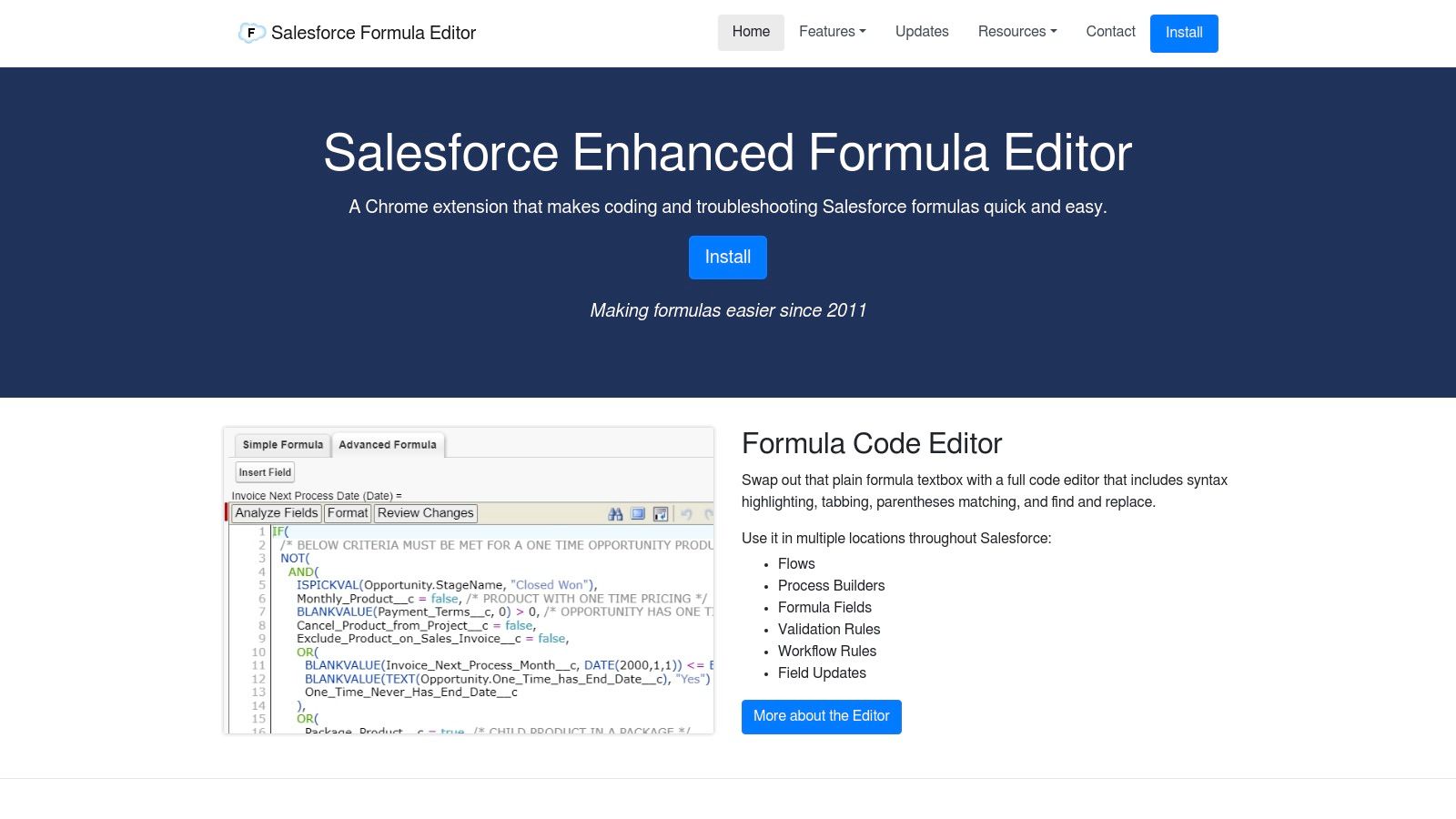
This tool excels by focusing on one thing: improving the formula writing experience. Its specialisation means features are deeply integrated for admins and developers. You can see your formula's compiled size, analyze which fields are used, and even compare changes before saving. This focus makes it an essential utility for anyone who spends time building or troubleshooting logic in Salesforce Setup.
Core Features:
Code Editor UI: Adds syntax highlighting, tabbing, and parentheses matching.
Smart Autocomplete: Suggests fields and functions as you type.
Formula Analysis: Provides formula size counts and a field analysis panel.
Change Review: Lets you see a "diff" or comparison of your changes before saving.
Pros & Cons:
Pros | Cons |
|---|---|
Major usability upgrade for building complex formulas | Requires a paid licence per user |
Reduces syntax errors and speeds up development | Purchase regions are limited (e.g., U.S., Canada, Australia) |
Trusted and mature tool for formula-heavy admins | Focused exclusively on formulas, not a broader admin toolkit |
Access: Purchase from the official website (Requires a paid licence).
9. Ebsta for Salesforce (Chrome)
For sales teams who live in Gmail, Ebsta offers a strong alternative to Salesforce's native sidebar. It focuses on embedding a complete sales engagement toolkit into your inbox. This aims to make your CRM a background utility, not a destination you switch to. Ebsta automates the work of syncing emails and calendar events to the correct Salesforce records. This ensures data is captured without manual effort.
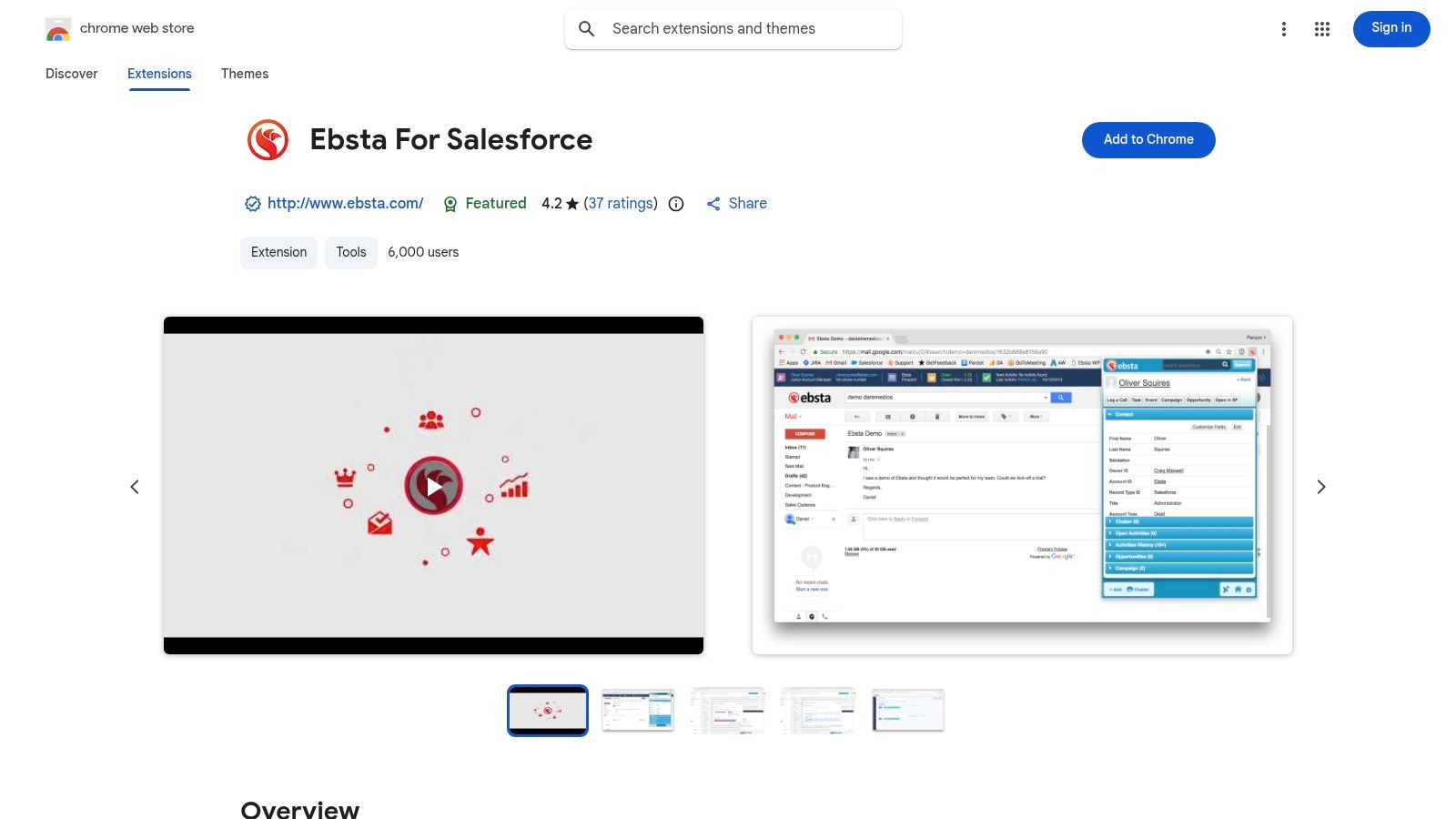
This Salesforce Chrome extension stands out for its deep inbox-centric features. Beyond record viewing, it includes email templates, send-later functionality, a meeting scheduler, and engagement tracking. The ability to sync with custom objects and fields is a big advantage for organizations with custom Salesforce setups. This turns Gmail into a command center for prospecting and managing customer relationships.
Core Features:
Automated Sync: Two-way sync for Google Calendar events and one-way for emails to Salesforce.
Inbox Productivity Suite: Includes templates, send-later, meeting scheduling, and email tracking.
Custom Object Support: Works with custom objects and fields, a key feature for complex orgs.
Pros & Cons:
Pros | Cons |
|---|---|
Deep inbox-first workflow with rich engagement tools | Adds another vendor to vet for security and compliance |
Supports custom objects for more complex Salesforce instances | Full platform pricing is separate and can be costly |
Includes team analytics and cadence features | Primarily focused on Gmail; less utility outside the inbox |
Access: Install from the Chrome Web Store (Requires an Ebsta subscription).
10. Yesware for Chrome
Yesware is a long-standing sales engagement tool that works inside Gmail. It is designed for reps who want to manage their outreach without leaving their inbox. The platform provides core engagement features like email tracking, templates, and scheduling within the Google interface. This makes it a good choice for teams that prioritize a Gmail-centric workflow and need solid analytics on their email performance.
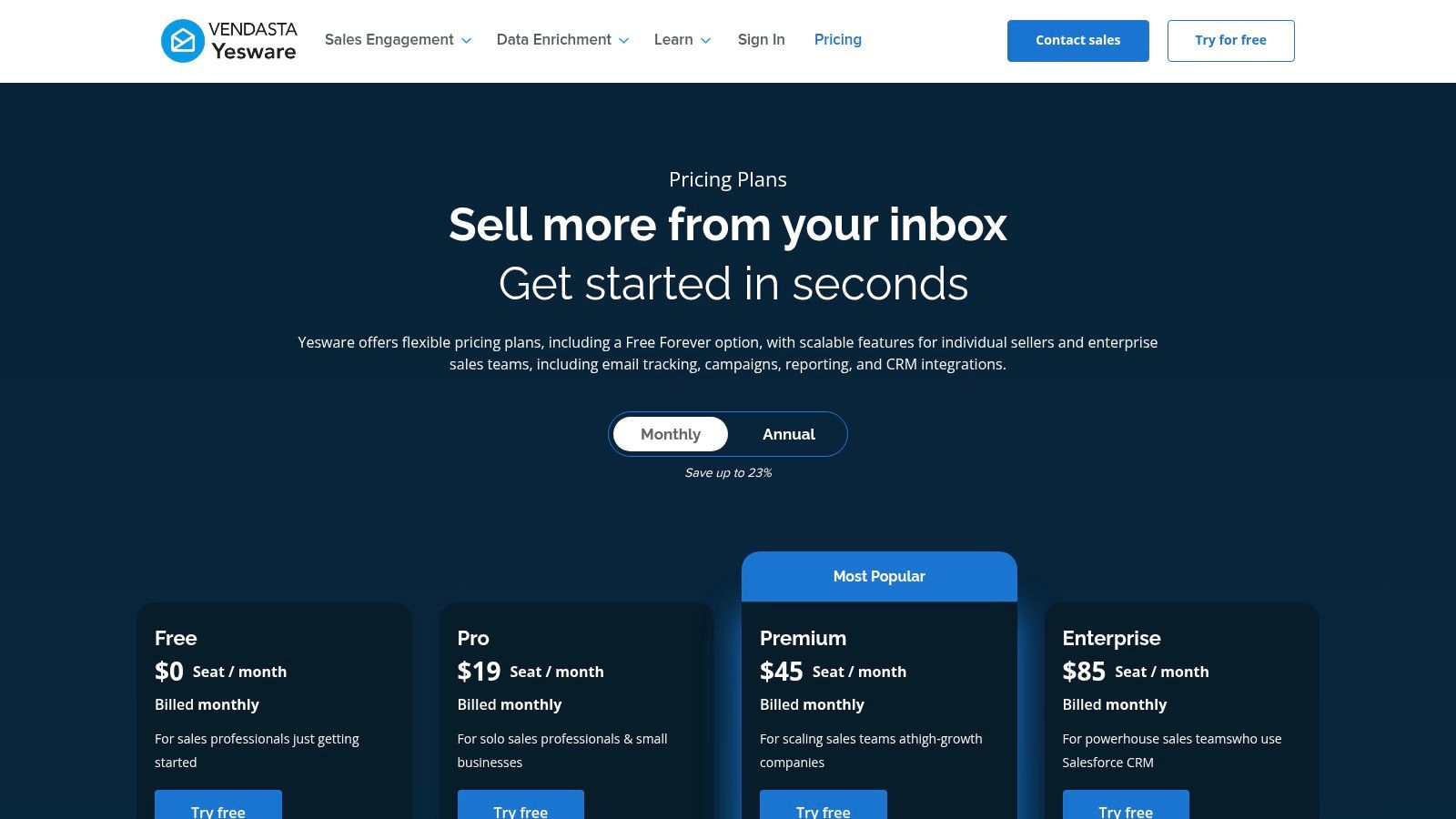
While it is an email productivity suite, its Salesforce Chrome extension features are available at the Enterprise tier. The integration offers a Salesforce sidebar and background sync to log activities automatically. This stops reps from having to manually copy email and engagement data into the CRM. This is a practical solution for organizations that already use Yesware for engagement and now need to ensure data flows cleanly back to Salesforce.
Core Features:
Real-time Engagement Tracking: See who opens your emails, clicks links, and views attachments.
Inbox Productivity Tools: Use email templates, automate follow-up campaigns, and schedule meetings.
Salesforce Integration: Sync email activity to Leads and Contacts via a sidebar and background automation.
Pros & Cons:
Pros | Cons |
|---|---|
Mature Gmail-first user experience with strong analytics | Salesforce integration is gated behind the expensive Enterprise plan |
Scales well from individual reps to larger teams | Adds another engagement platform on top of Salesforce |
Established tool with a well-defined feature set | Requires an API-enabled Salesforce edition to function |
Access: See Plans and Pricing (Salesforce integration requires an Enterprise plan).
11. Apollo.io — Chrome Extension
Apollo.io is more than a data provider. Its Salesforce Chrome extension is a complete go-to-market engine on top of LinkedIn and other sites. It shows verified contact details, like emails and direct dials, in a side panel. This lets sales reps enrich leads and contacts without leaving their prospecting workflow. This instant data access is critical for efficient sales prospecting.
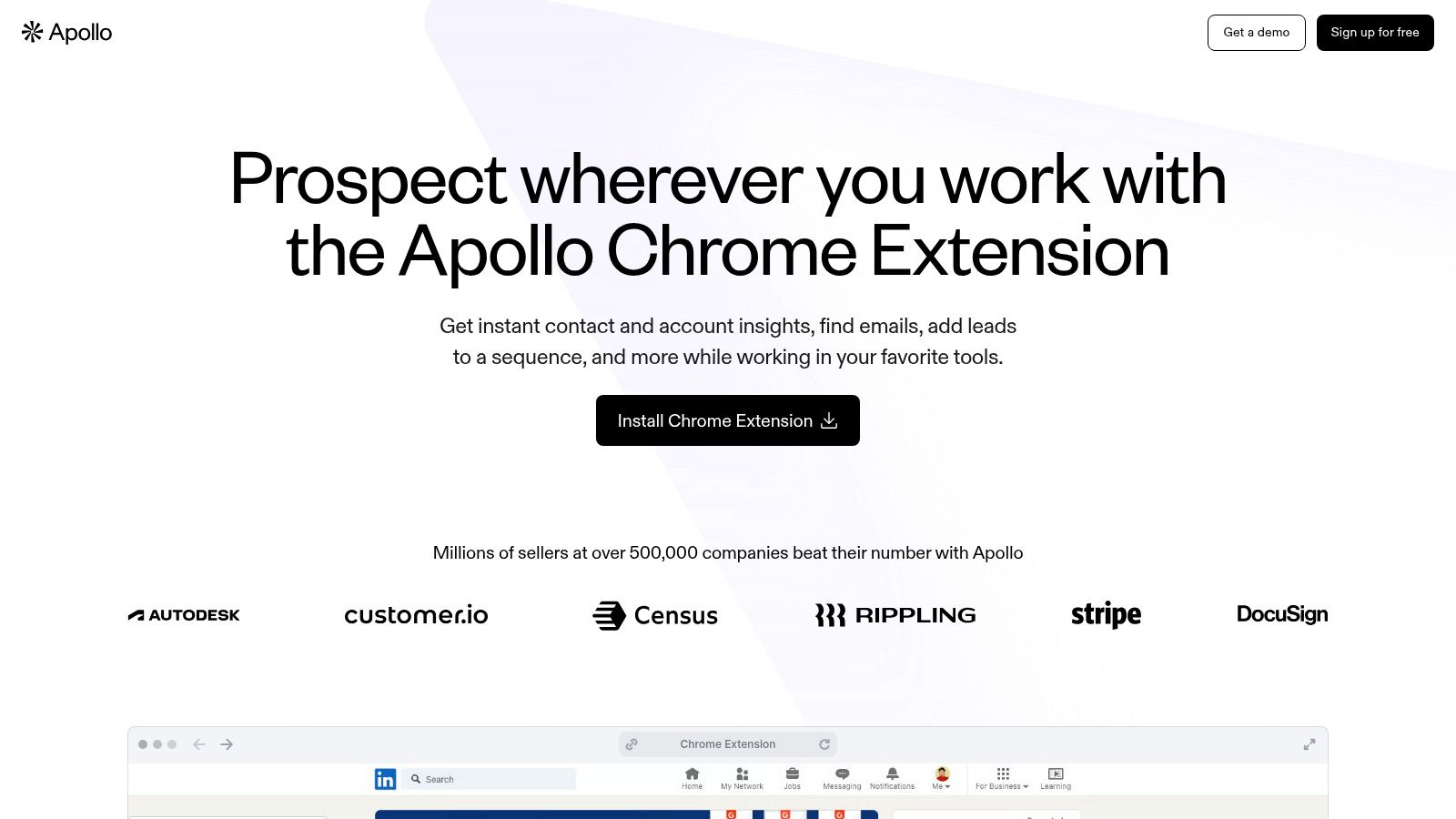
The extension’s strength is connecting prospecting actions back to your CRM. Reps can add a prospect to an Apollo sequence, log a call, or send an email. That activity automatically syncs to the Salesforce record. This closes the loop between finding a prospect and engaging them. It ensures data stays organized and activities are tracked. It embeds an entire sales engagement platform into the browser, not just simple data lookups.
Core Features:
Contact Enrichment: Access verified emails and phone numbers on LinkedIn, company websites, and within Salesforce.
Direct-to-CRM Logging: Add prospects to sequences and log tasks or emails directly to Salesforce.
Gmail & Calendar Helper: See Apollo data and perform actions directly within your inbox and calendar.
Pros & Cons:
Pros | Cons |
|---|---|
Fast enrichment directly from LinkedIn and CRM pages | Data accuracy and usage are governed by plan credits |
Good free entry point with a broader GTM suite available | Represents another third-party data processor to review for compliance |
Convenient overlay works across multiple websites and tools | Can be resource-intensive, slowing down browser performance |
Access: Install from the Chrome Web Store (Requires an Apollo.io account).
12. LeadIQ — Chrome Extension
LeadIQ is a prospecting tool built to get accurate contact data from LinkedIn into your CRM with minimal friction. Its goal is to speed up list building while keeping data integrity in Salesforce. The extension lets sales reps capture leads or contacts from profiles and company pages. It runs them through a de-duplication process and pushes them to Salesforce by admin-defined rules. This prevents reps from creating messy, duplicate records during prospecting.
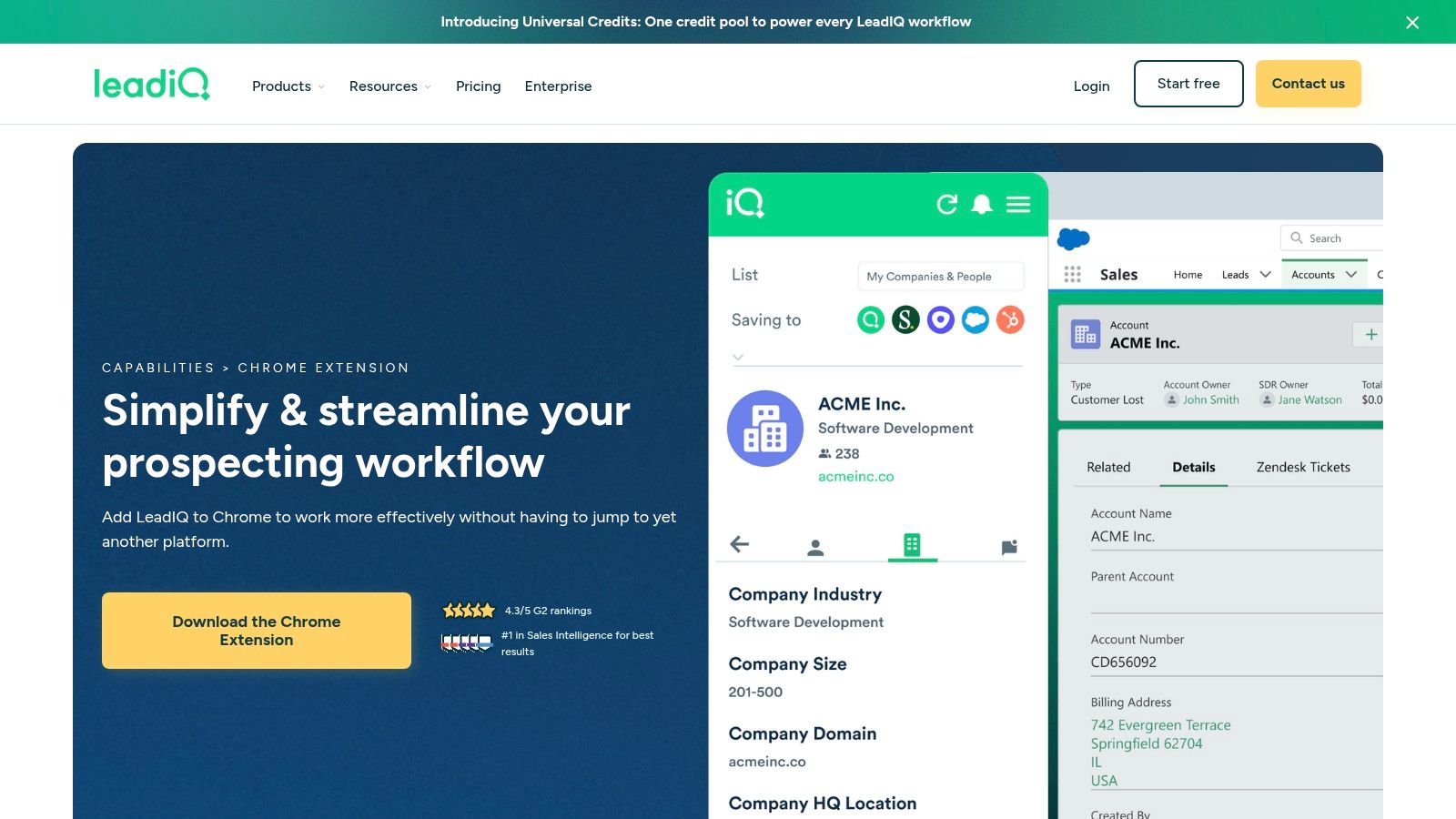
This tool stands out for its strong admin controls. Revenue operations teams can pre-configure field mapping, set record-type defaults, and enforce duplication rules before a record is created. This makes it a powerful Salesforce Chrome extension for teams who prioritize CRM hygiene. It centralizes the capture process, reducing tab-hopping and manual data entry. This results in more time spent on outreach activities.
Core Features:
Prospect Capture: Extract leads and contacts from LinkedIn profiles and other platforms.
Salesforce Sync: Push new records into Salesforce with pre-set mapping and de-duplication rules.
Data Enrichment: Update existing records at the point of capture and track job changes.
Pros & Cons:
Pros | Cons |
|---|---|
Strong admin controls for mapping and de-duplication | Consumes Salesforce API calls, which must be budgeted for |
Accelerates list building and CRM data capture | Paid plans can become expensive for larger teams |
Designed to push vetted prospects into Salesforce cleanly | Focused primarily on net-new capture, not broad record management |
Access: Install from the Chrome Web Store (Requires a paid LeadIQ subscription).
12 Salesforce Chrome Extensions: Feature Comparison
Tool | Core features ✨ | UX / Quality ★ | Value & Price 💰 | Target audience 👥 | Unique selling point 🏆 |
|---|---|---|---|---|---|
Salesforce (Sales Cloud Everywhere) | ✨ Gmail sidebar, record updates, engagement alerts, standalone panel | ★★★★ — Inbox-native; occasional org-specific glitches | 💰 Included with Salesforce license; no extra vendor | 👥 Sellers using Gmail + Salesforce | 🏆 First‑party Gmail ↔ Salesforce experience |
Salesforce Inspector Reloaded | ✨ Show/edit all fields, SOQL runner, import/export, metadata lookup | ★★★★ — Community‑trusted; powerful for admins | 💰 Free, open‑source | 👥 Admins / RevOps / Developers | 🏆 Deep data & metadata access (OSS) |
Maven Tools for Salesforce | ✨ SOQL/SOSL editor, REST API console, event hub, metadata tools | ★★★★ — Polished UI; multi‑tool convenience | 💰 Free/extension; may need enterprise review | 👥 Technical users (admins, devs, consultants) | 🏆 All‑in‑one dev/admin toolkit |
Jetstream (Browser Extensions) | ✨ Query builder, data loader, metadata tools, direct browser→API | ★★★★ — Privacy‑first; reliable direct access | 💰 Free basic; Pro for advanced features | 👥 Admins/RevOps valuing privacy & multi‑org | 🏆 No server relay — browser→Salesforce API |
ORGanizer for Salesforce | ✨ Tab color‑coding, encrypted creds, quick links, console | ★★★★ — Big productivity lift for multi‑org users | 💰 Free w/ ads; PRO paid tier | 👥 Admins & consultants managing many orgs | 🏆 Prevents cross‑org mistakes; tab hygiene |
Salesforce Navigator for Lightning | ✨ Command palette, rapid nav, create/search, admin shortcuts | ★★★★ — Lightweight; keyboard‑driven speed | 💰 Free | 👥 Power users & keyboard‑centric admins | 🏆 Speeds navigation with command palette |
Salesforce Show API Name | ✨ Toggle API names, one‑click/multi copy, instant SOQL gen | ★★★ — Small footprint; handy in context | 💰 Free, open‑source | 👥 Admins, report builders, RevOps | 🏆 Instant API name visibility & copy |
Salesforce Enhanced Formula Editor | ✨ Full code editor for formulas: syntax, autocomplete, diff | ★★★★★ — Dramatically improves formula authoring | 💰 Paid license; region limits apply | 👥 Admins who build complex formulas | 🏆 Professional formula editor; reduces errors |
Ebsta for Salesforce (Chrome) | ✨ Email/calendar sync, templates, scheduler, tracking, analytics | ★★★★ — Inbox‑first UX with team analytics | 💰 Platform pricing (commonly $50–$70/user/mo) | 👥 Sellers needing deep Gmail features & analytics | 🏆 Robust inbox tools + engagement analytics |
Yesware for Chrome | ✨ Email/link tracking, templates, campaigns, meeting scheduling | ★★★★ — Mature engagement UX; tiered features | 💰 Tiered pricing; Enterprise for SF sync | 👥 Sales teams using Gmail at scale | 🏆 Established sales engagement platform |
Apollo.io — Chrome Extension | ✨ Contact/company enrichment, sequences, CRM logging overlay | ★★★ — Good enrichment; accuracy varies by credit | 💰 Freemium; credits & paid plans for full access | 👥 Prospecting teams & BDRs | 🏆 Side‑panel enrichment across LinkedIn & sites |
LeadIQ — Chrome Extension | ✨ Capture prospects, push to SF with mapping & dedupe, job signals | ★★★★ — Reliable capture; admin mapping controls | 💰 Higher cost at scale (Pro ≈ $200/user/mo) | 👥 SDRs, lead gen & ops teams | 🏆 Fast capture with admin‑controlled dedupe & mapping |
Build a Smarter, Not Busier, Workflow
We reviewed a range of Salesforce Chrome extensions. They include developer tools like Salesforce Inspector Reloaded and sales boosters like Ebsta. The common thread is they reduce friction. They bring key functions into your browser. This saves you from the context switching that drains energy. The goal isn't to add more features. It is to remove the steps between you and your objectives.
Choosing the right Salesforce Chrome extension is not about getting the most popular one. It is about pinpointing the biggest bottleneck in your daily routine.
For Sales Reps and AEs: Do you spend too much time logging emails? An extension like Sales Cloud Everywhere or Yesware could save you hours each week. Do you struggle with prospecting? Tools like Apollo.io or LeadIQ address that directly.
For Admins and RevOps: Does navigating complex Salesforce orgs slow you down? ORGanizer or Salesforce Navigator can make moving between records instant. Do you need to debug formulas or inspect API names? The Enhanced Formula Editor and Show API Name are built for you.
The best adoption strategy starts with a small experiment. Identify a specific problem, like the time it takes to build a prospect list. Select one extension from this list that tackles that problem. Deploy it with a small group of users who feel that friction the most.
Gather feedback. Measure the impact. Did it save time? Did it improve data quality? A good extension should produce a clear, positive result. It should feel like a natural part of your workflow. The aim is to create a tech stack that works for your team, not the other way around. By carefully selecting tools, you empower your people to focus on what drives revenue: building relationships and solving problems.
If your goal is to make Salesforce workflows more intuitive without adding more browser extensions, consider how Samskit can help. Our platform simplifies complex processes by providing clear, step-by-step guidance directly within your Salesforce environment, ensuring your team follows best practices consistently. See how you can reduce training time and improve data accuracy by visiting Samskit.